There are two forms of navigation in each course:
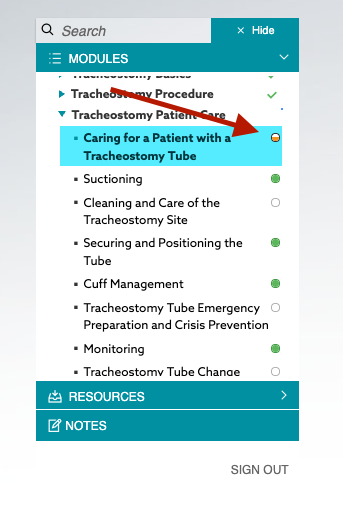
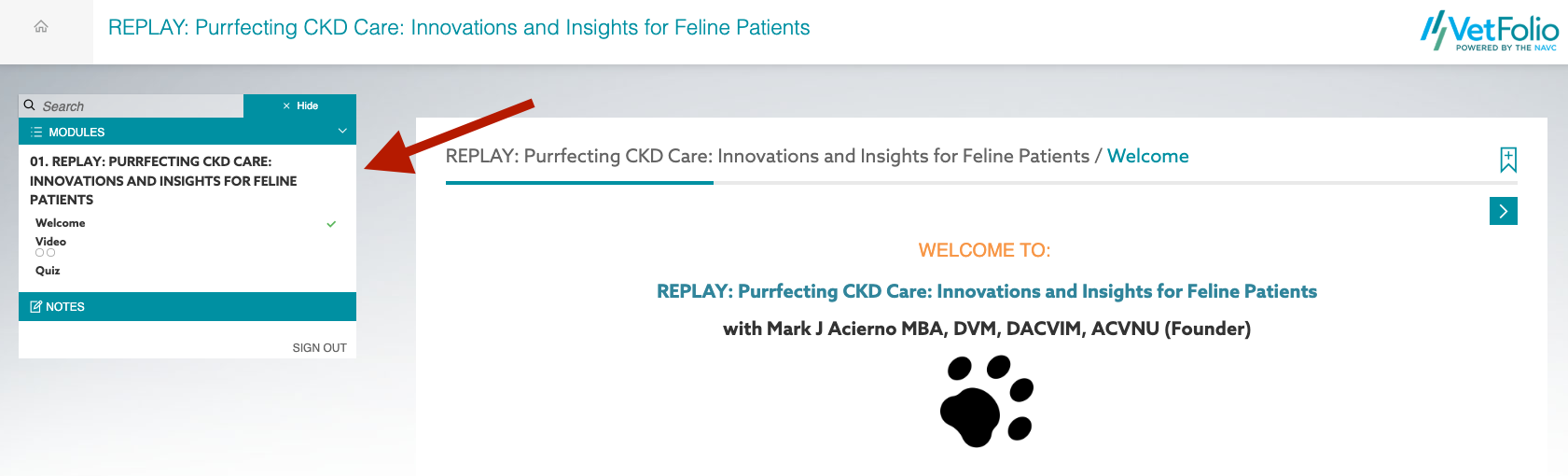
*Modules/Lessons: Every course has a course menu. The course menu is located to the left of the course content in a desktop view, or to the top of the course content in a smaller mobile view. Click it to hide or expand the course menu. Per RACE, you are required to spend an allotted time within the course and all modules must be completed. You can see by the green checkmarks or the filled-in bubbles if you have completed the course content.
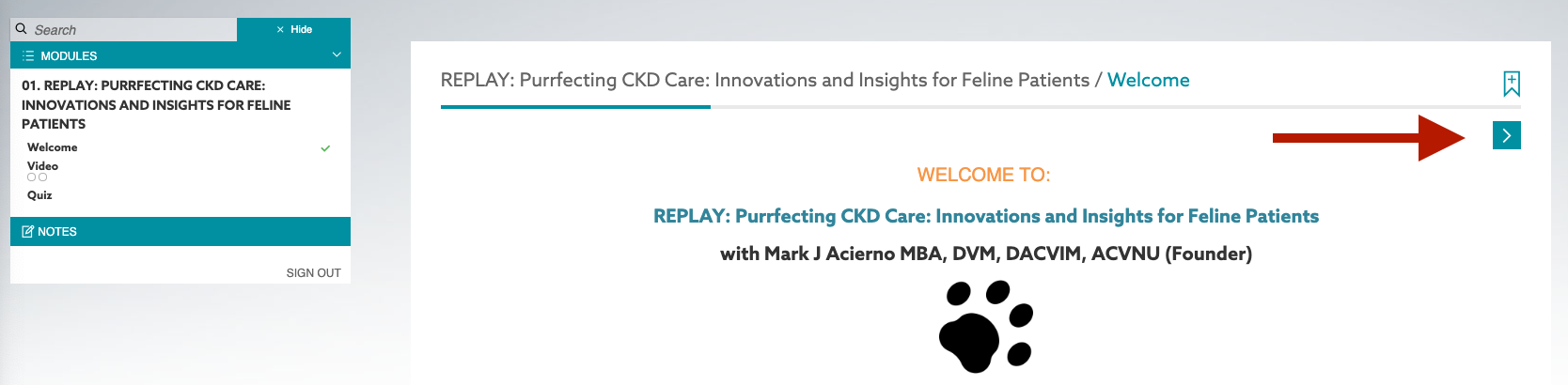
*Next and previous buttons: Each course has “Next” and “Previous” buttons located just above the content area. Each button will allow you to move forward and backward through the course pages.
 **Your certificate will not be issued unless all modules have been completed.**