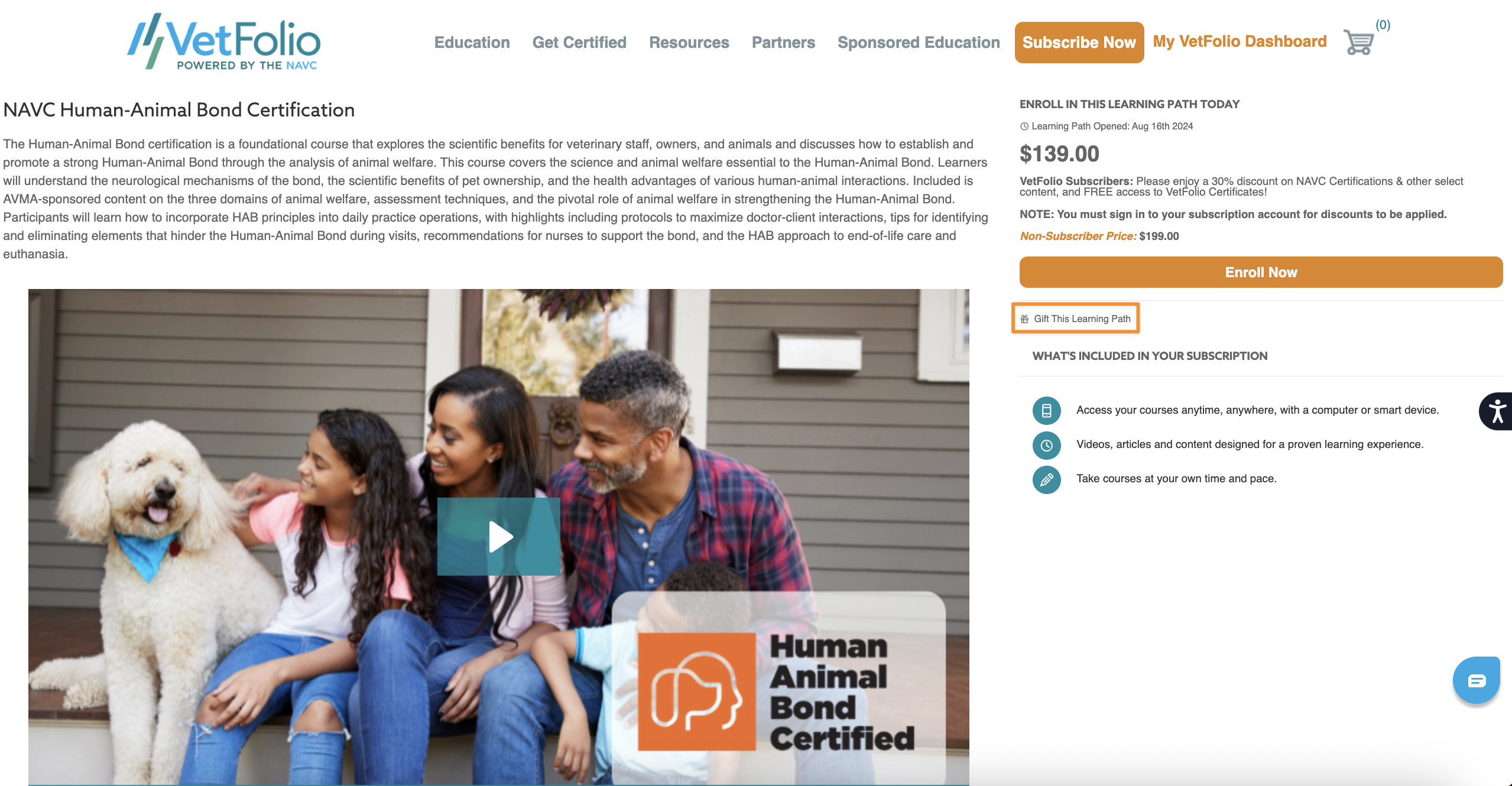
We understand the importance of keeping your payment method safe—if you wish to pay for Premium Content on behalf of someone else, simply use the "Gift This Course" option pictured below. (Note: Currently, you can only purchase and gift one copy at a time, but this is something we are actively looking into!)
How to Gift a Course:
Click the "Gift This Course" option on the course page.
Enter your intended recipient's name and email when prompted.
Follow the on-screen prompts to enter your address and payment information.
Once the purchase is complete, you will see a confirmation screen (pictured below), receive a confirmation email, and get an itemized receipt. The recipient will also immediately receive an email prompting them to accept their gift.
How can the recipient redeem the gift? Simply have the gift recipient check their email and click the blue "Accept this Gift" button to claim their course!
Please note: Check your spam folder if you do not see this email in your inbox. The sender will be support@vetfolio.com.