VMX Virtual 2026 ended on March 22, 2026.
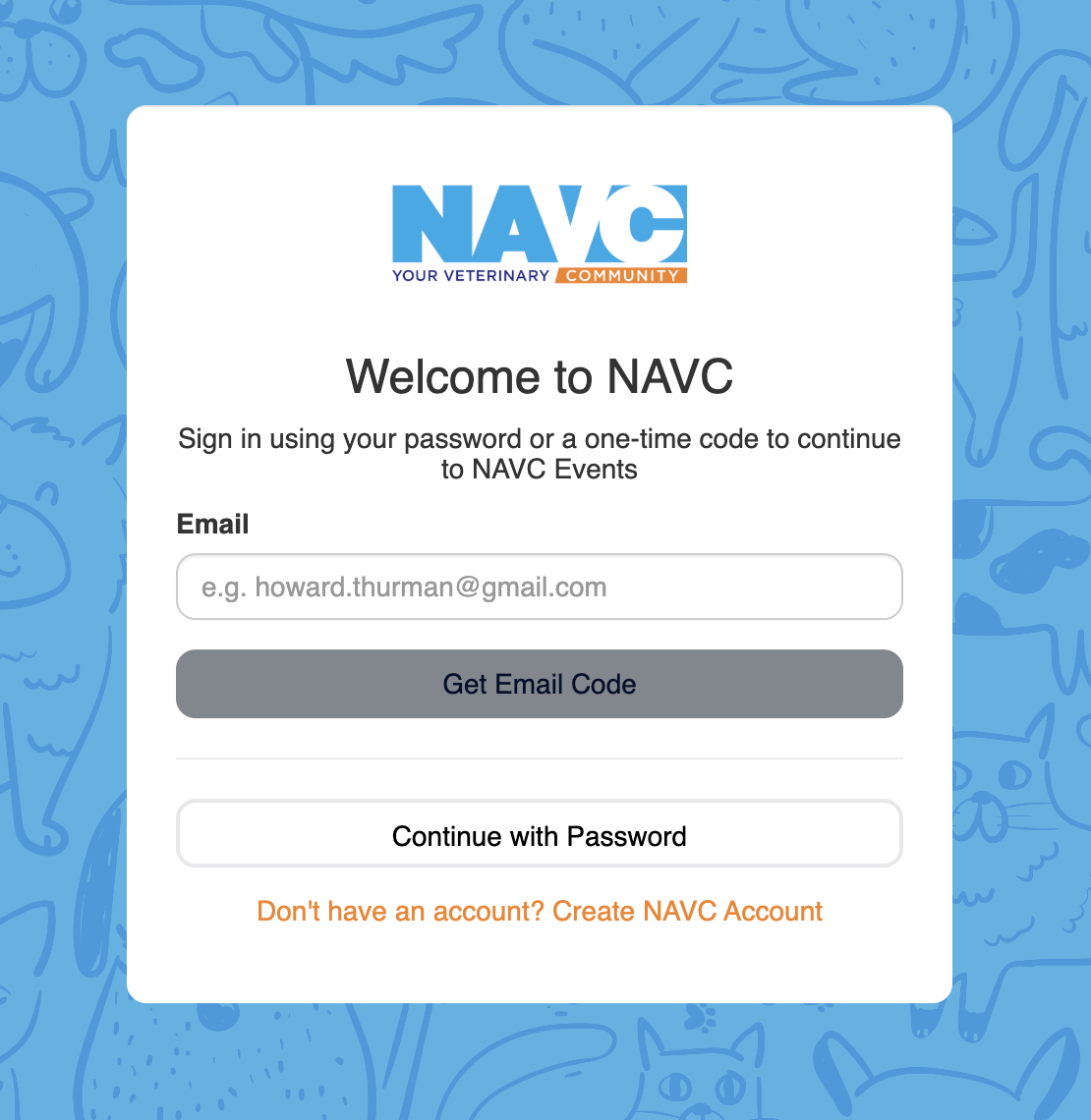
To access the VMX OnDemand sessions, you will either access the NAVC Events App or visit connect.navc.com. Log in with the email you registered for VMX. You can either use your password or request a code to be sent to your email.
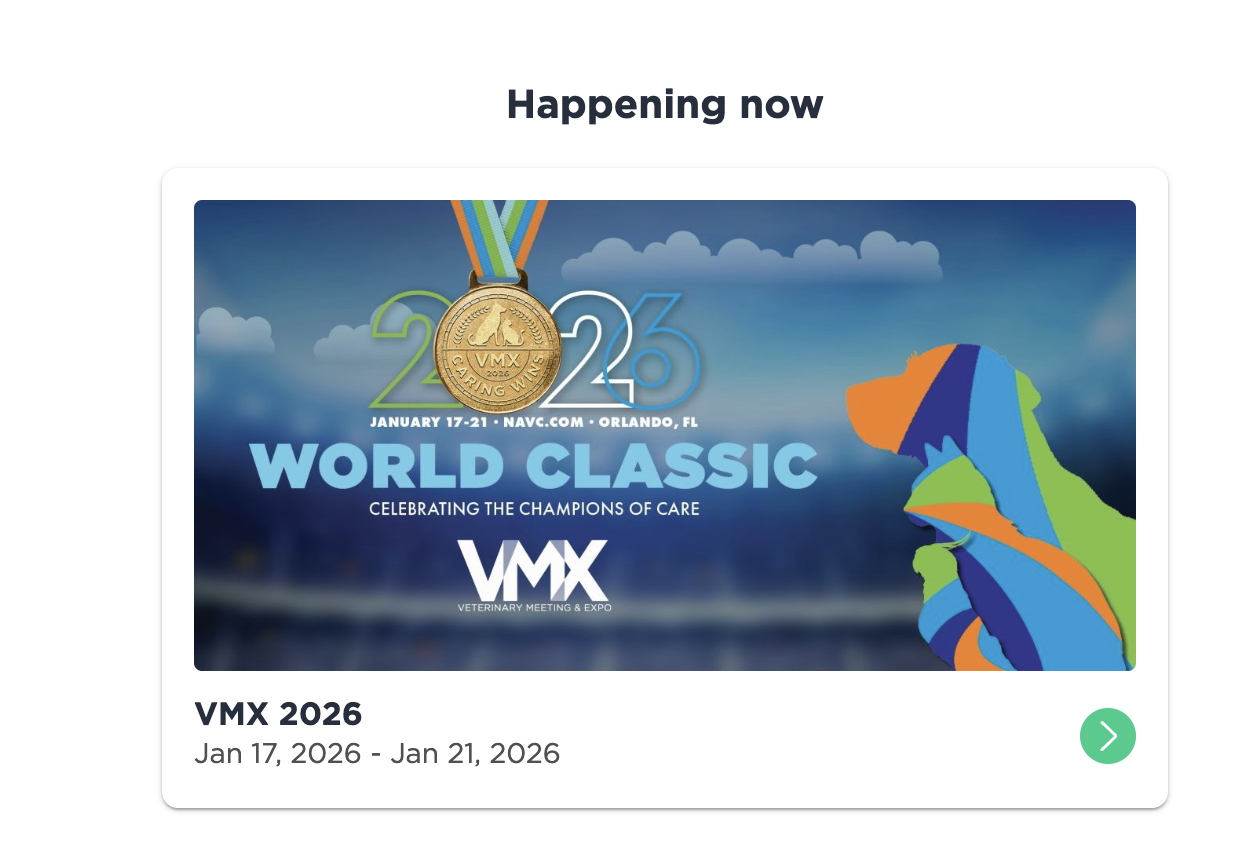
Once logged in, choose VMX 2027 from the events.
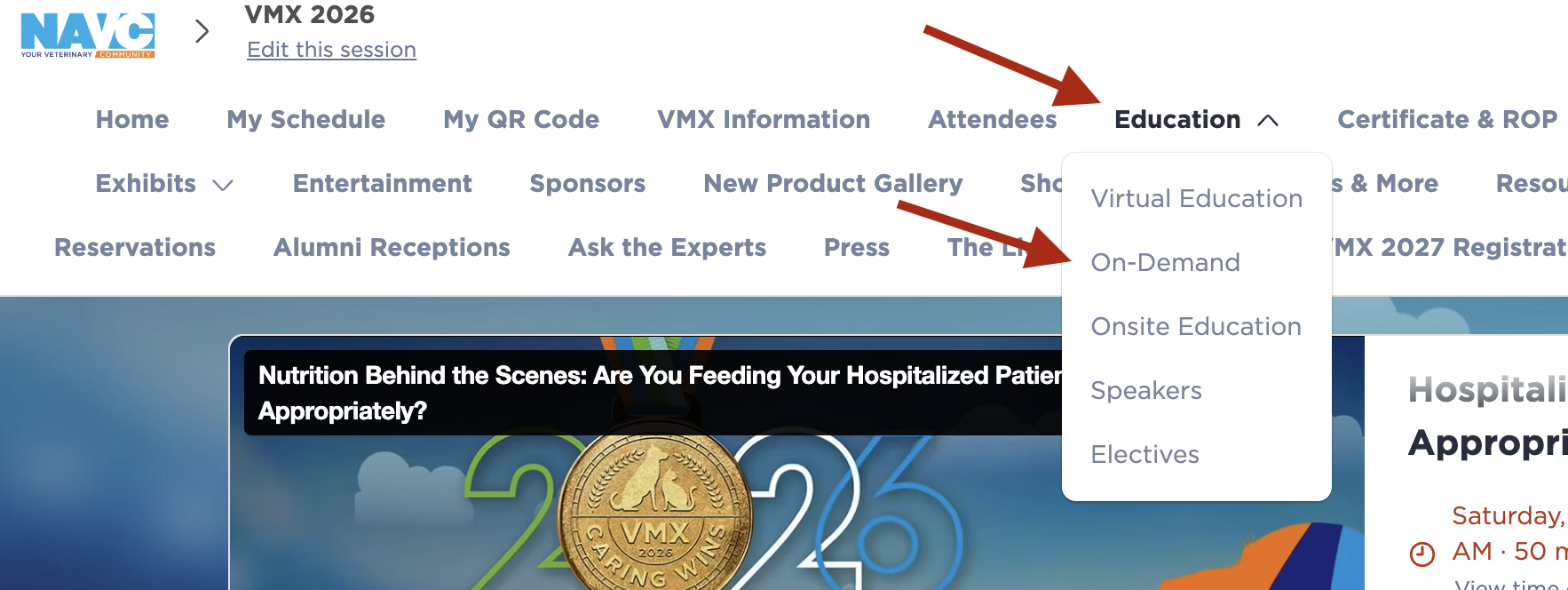
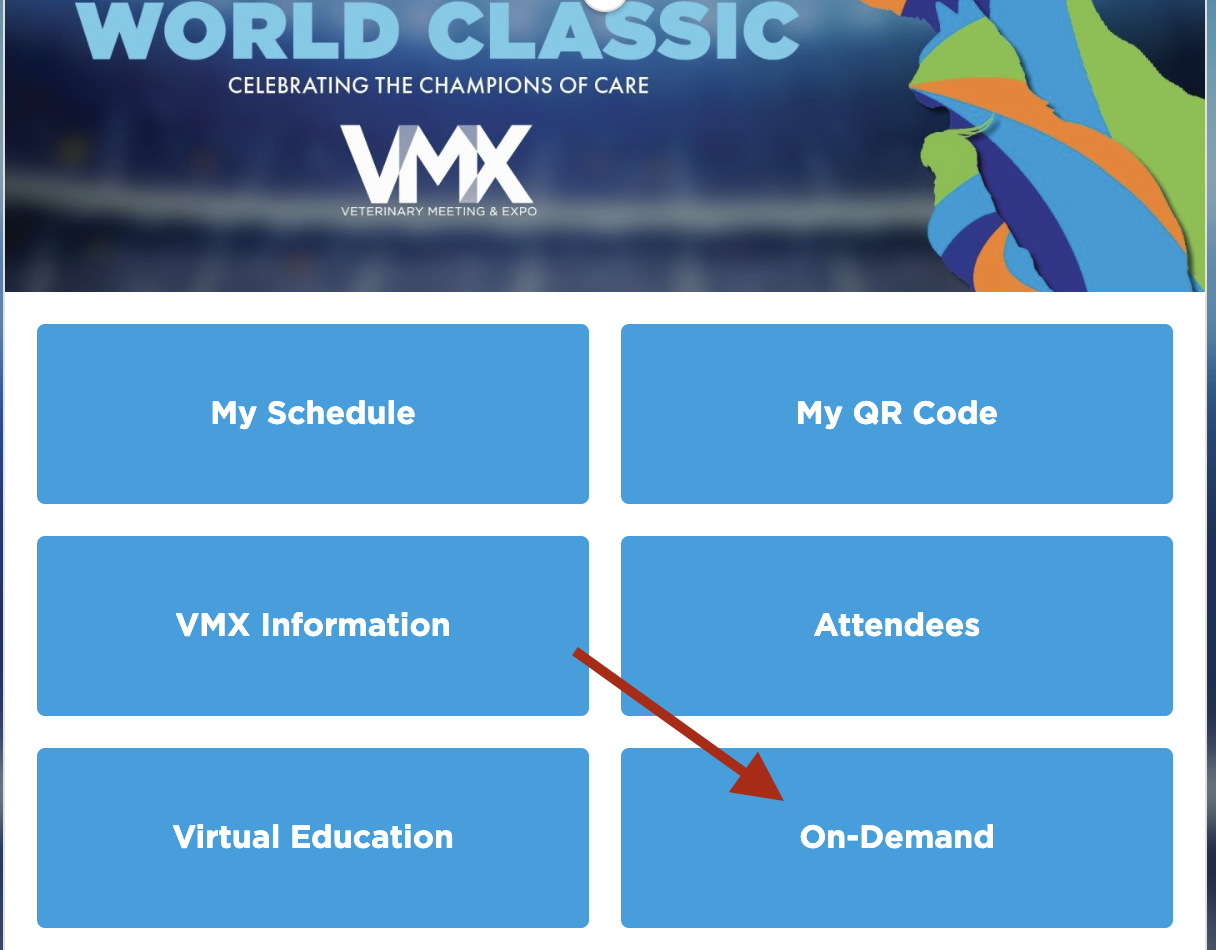
Scroll down and click on OnDemand button.
You can either ues the search field, scroll through the sessions, which are listed in order of the time the livestream was scheduled, or use the filter on the left side of the page.
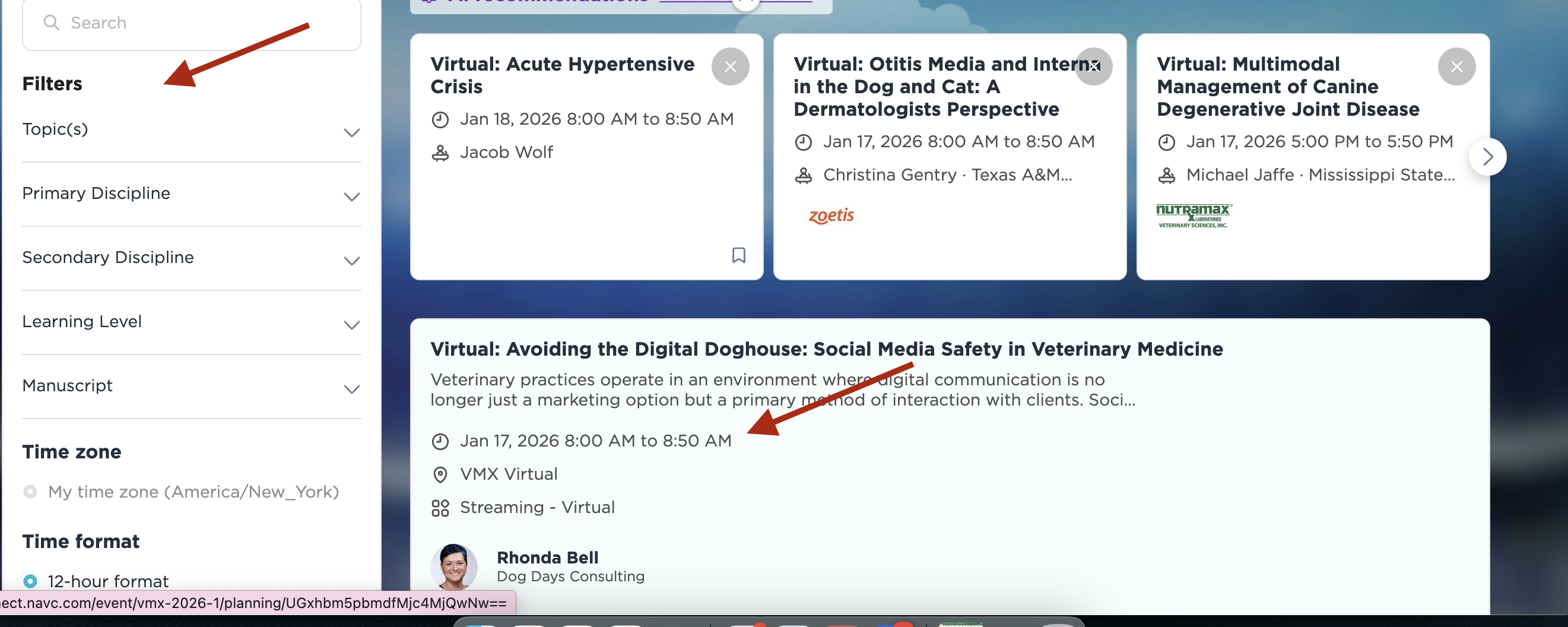
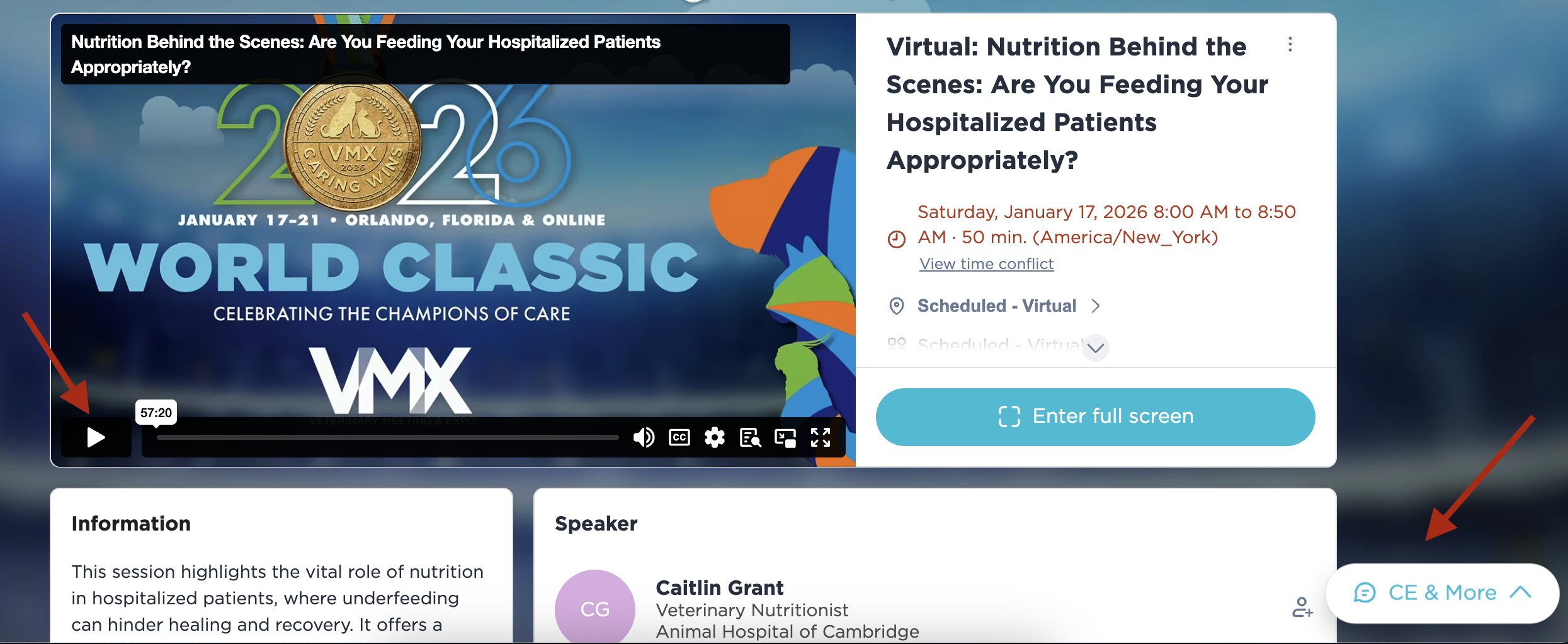
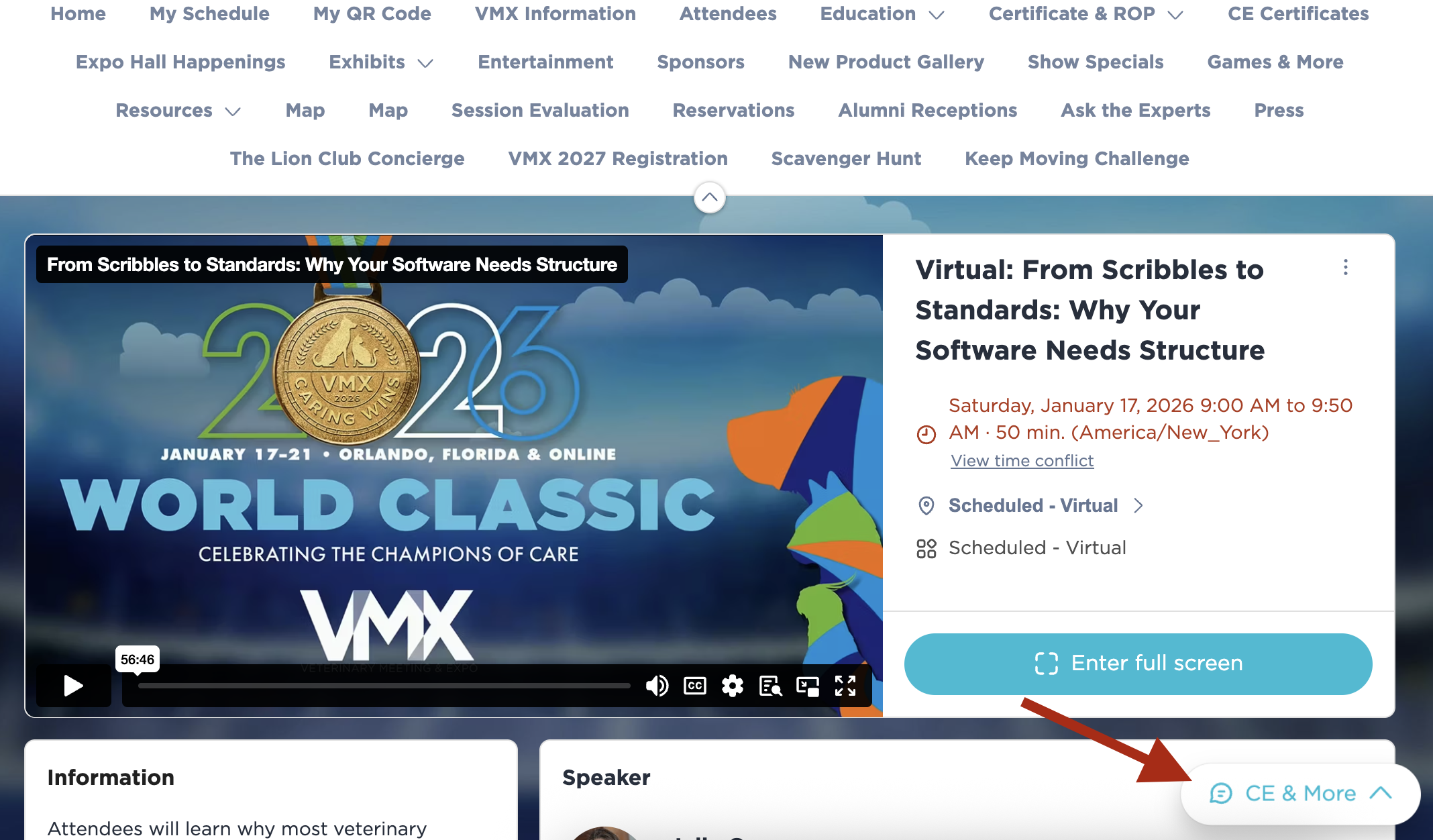
From here, you will click into the session you wish to view, watch the session, and then take the quiz to earn the CE.