Please upload requested files using this form Secure File Submission Form
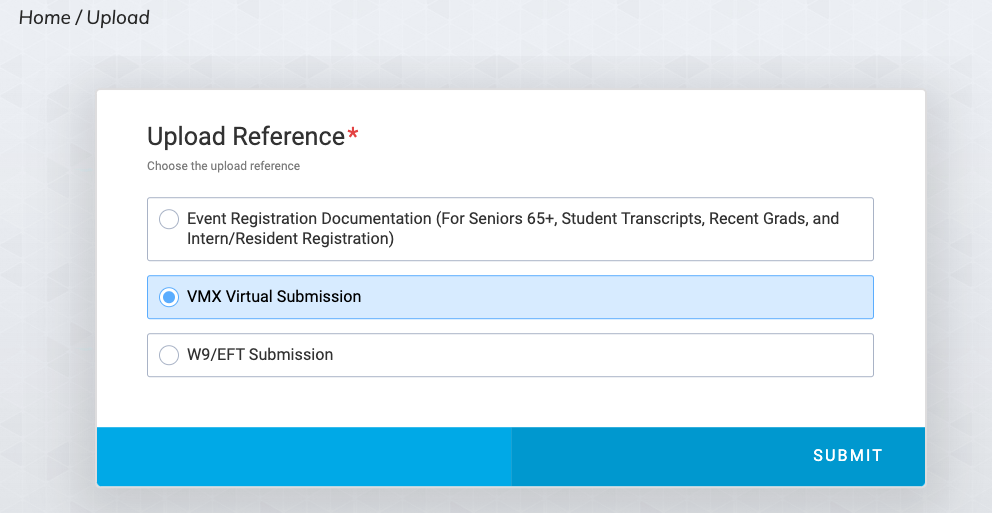
Choose VMX Virtual Submission and click on "Submit"
Follow the prompts to complete your upload.

Please upload requested files using this form Secure File Submission Form
Choose VMX Virtual Submission and click on "Submit"
Follow the prompts to complete your upload.