Bookmarking sessions does not guarantee a seat in the session. This is only for bookmarking purposes.
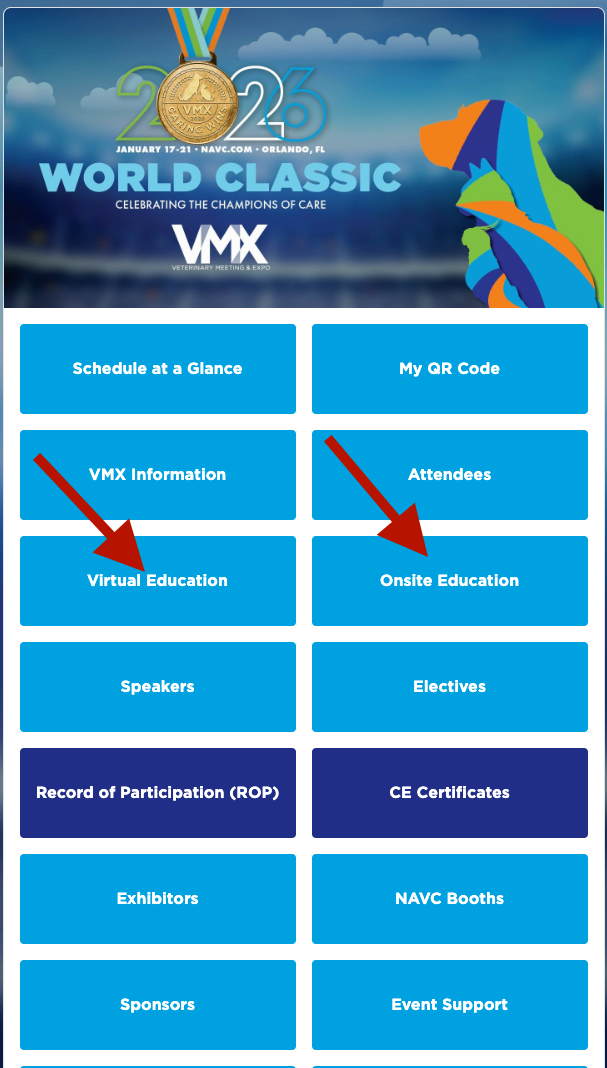
Click on the Education tab once logged into the NAVC Events App and enter VMX 2027. Choose either Virtual Education or Onsite Education, depending on the type of session you wish to attend. ***Virtual Education requires the purchase of Virtual VMX.***
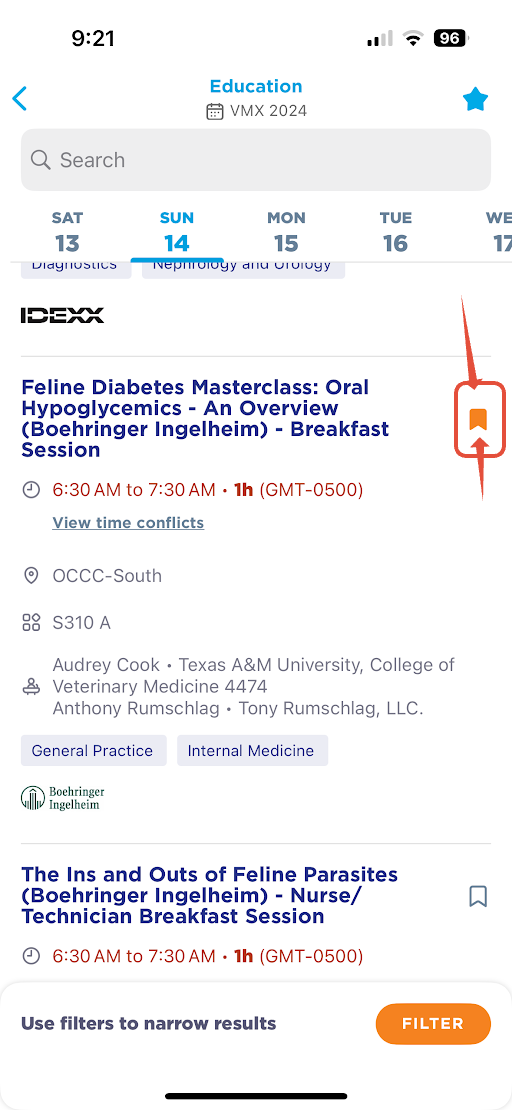
On the right of the session you wish to bookmark, click on the bookmark icon.
It then will be added to your agenda in My Schedule. My Schedule can be found either on the home screen or under your profile on the bottom right.
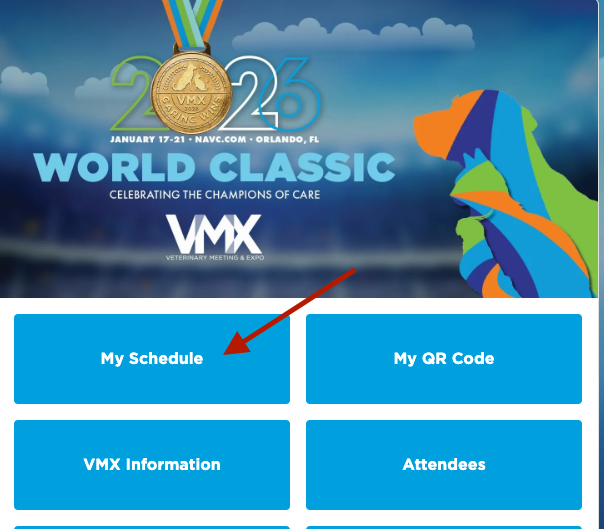
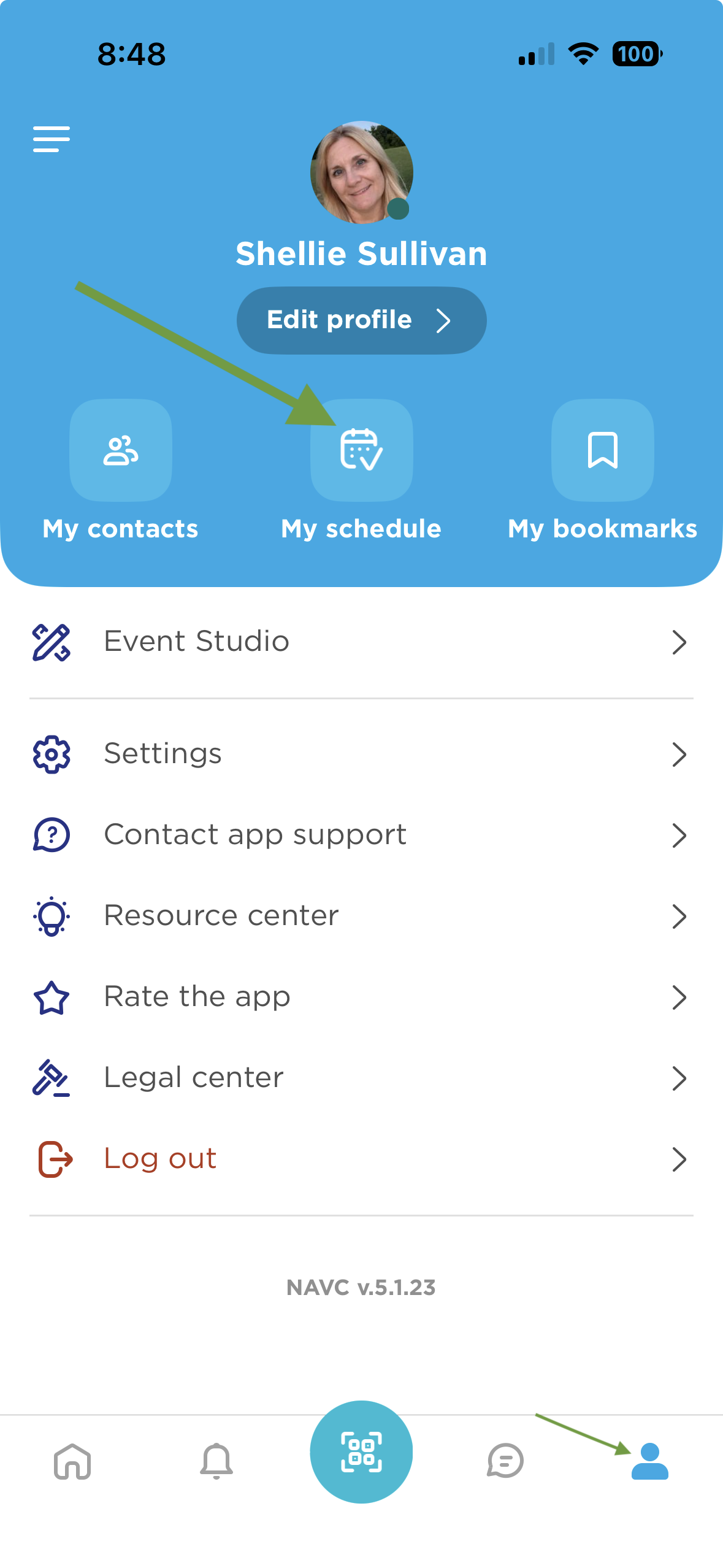
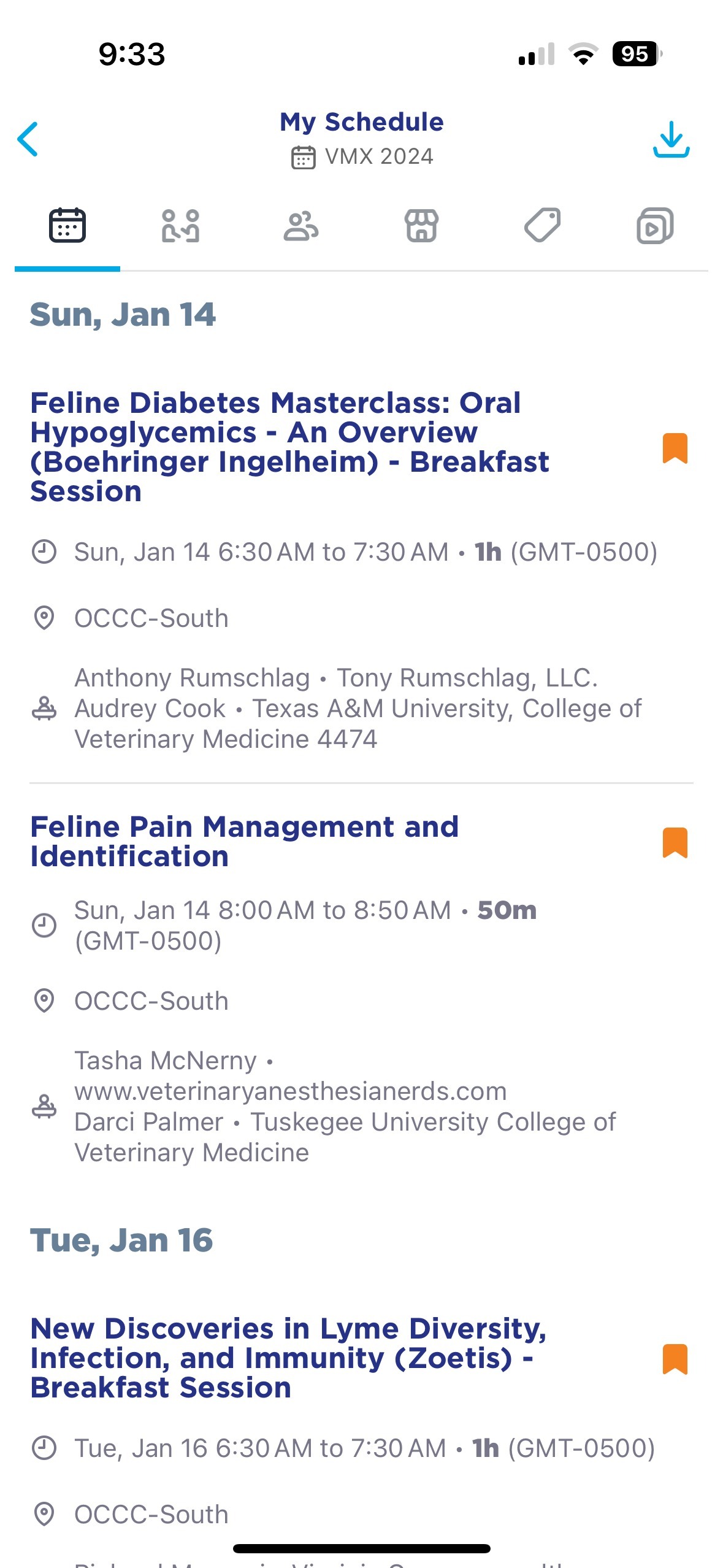
You will need to log into the App with the email you registered with to access My Schedule.
This applies to the NAVC Event Portal as well.